5 Signs Your Website Is Losing You Customers
Most business owners assume their website is working. It probably is not. Here is how to know for sure — and what to do about it.
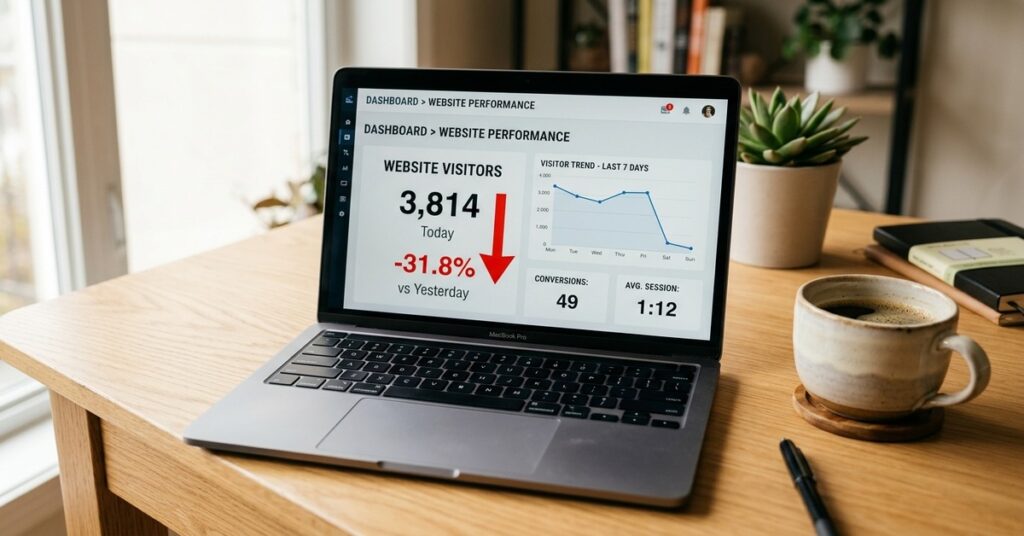
Most business owners assume their website is working. It probably is not. Here is how to know for sure — and what to do about it.
Your website is live. It looks decent. You paid someone to build it. So it must be working, right?
Not necessarily. Most small business websites are silently leaking leads every single day. The owners have no idea because the site is online, pages load, and nothing is visibly broken. But visitors are landing, finding problems they cannot articulate, and leaving without contacting you.
They go to your competitor instead.
Here are the five signs your website is costing you customers right now, and exactly what to fix.
This is the single biggest silent killer of website leads. A visitor lands on your site and waits. Two seconds. Three seconds. Four. They leave. They never come back. And you never knew they were there.
Speed is not just a user experience issue. Google uses page speed as a direct ranking factor. A slow site ranks lower in search results, gets less traffic, and converts fewer of the visitors it does get. It is a triple penalty.
Go to PageSpeed Insights (pagespeed.web.dev) and enter your website URL. Google will give you a score out of 100. Anything below 70 on mobile is hurting you. Below 50 is a serious problem.
Pull out your phone right now and open your website. What do you see? If text is too small to read, buttons are hard to tap, images overflow the screen, or you have to pinch and zoom to navigate, your website is broken on mobile.
This is especially critical in the UK and USA markets. Buyers research on their phones during commutes, lunch breaks, and evenings. If your site frustrates them on mobile, they do not save it for later on desktop. They close it and move on.
A website that looks unprofessional on mobile signals that your business is outdated. In competitive markets like the UK and USA, perception is everything. A broken mobile experience tells your potential customer you do not pay attention to detail. That matters more than most business owners realise.
Go to Google and search for your main service plus your city or country. For example: “web design agency London” or “digital marketing company Manchester.” Does your website appear on page one? If not, your potential customers cannot find you organically.
Now search for your business name directly. If you do not appear at the top for your own name, you have a serious SEO problem.
Most small business websites have no SEO strategy at all. No keyword research. No optimised page titles. No meta descriptions. No internal linking. Google has no idea what the site is about or who it is for. So it ranks it nowhere.
A visitor lands on your homepage. They read a bit. They like what they see. Then what? If your answer is “they will figure it out,” you are losing them.
Every page on your website must tell the visitor exactly what to do next. Call now. Book a free consultation. Get a quote. Download the guide. Without a clear, visible, compelling call to action, visitors leave without doing anything.
Most business websites talk about themselves. “We are a leading provider of…” “Our team has over 20 years of…” “We are passionate about…”
Nobody cares. Your visitors do not come to your website to learn about you. They come to find out if you can solve their problem. If your content does not answer their specific questions, they leave and find a competitor whose content does.
Run through this checklist right now. Be honest.
You have two choices. Fix the issues yourself if you have the time and technical knowledge. Or hire a specialist who does this every day and gets it done properly the first time.
A professionally optimised website is not an expense. It is the highest-ROI marketing asset your business can own. Unlike paid ads that stop the moment you stop paying, a well-built website with strong SEO generates leads 24 hours a day, 7 days a week, indefinitely.
The businesses winning online in the UK and USA in 2026 are not the ones with the biggest budgets. They are the ones whose websites answer the right questions, load fast, work on every device, and make it easy to get in touch.
How do I know if my website is losing customers?
Check your Google Analytics bounce rate. If more than 70% of visitors leave without clicking anything, your site has a problem. Also check your PageSpeed score and test the site on mobile. These three checks reveal most issues immediately.
Why is my website not generating leads?
The most common reasons are: slow load speed, poor mobile experience, no SEO, weak or missing calls to action, and content that does not address what your customers are searching for. Most sites fail on at least two of these.
How much does it cost to fix a website that is not converting?
It depends on the severity of the issues. Minor fixes like speed optimisation and CTA improvements can cost $200 to $500. A full redesign with SEO setup typically costs $1,500 to $5,000. The right question is not what it costs to fix — it is what it is costing you not to fix it.
How long does it take to see results after fixing a website?
Speed and conversion improvements show results within days. SEO improvements typically take 3 to 6 months to reflect in search rankings, depending on competition and how consistently you publish content.
Should I rebuild my website or just fix the problems?
If your site is older than 4 years, not mobile-responsive, or built on an outdated platform, a rebuild is usually more cost-effective than patching it repeatedly. A fresh build with proper SEO foundation will outperform a patched old site every time.
Can a bad website hurt my Google ranking?
Yes. Google measures page speed, mobile usability, bounce rate, and time on site. A poor user experience signals to Google that your site is not worth showing to searchers. This pushes your rankings down over time.
We will review your site and tell you exactly what is costing you leads — at no charge. No obligation. Plain-English report delivered within 48 hours.
Claim Your Free AuditPrefer to talk? WhatsApp us directly